-
-
- Install Barcode ActiveX Add-in in Excel
- Barcodes in MS Excel
- Create Sequential Barcode Labels in Excel
- Add Supplemental Text to Barcodes in Excel
- Extract Barcode Images from MS Excel
- Create Dynamic Barcodes Using LinkedCell in Excel
- Supplemental Text in Barcodes Using LinkedCell in Excel
- Barcodes in Excel with VBA
-
-
- BackColor
- BackStyle
- Barcode
- BarcodeColor
- BarcodeTextColor
- BarcodeTextFont
- BarcodeTextVisible
- BarcodeTextPosition
- BarcodeTextStretch
- BarHeight
- BearerBars
- BottomText
- BottomTextAlignment
- BottomTextColor
- BottomTextFont
- BottomTextVisible
- ControlAlignment
- ControlAutosize
- DataMatrixSize
- LinkedCell
- OptionalCheckChar
- Orientation
- OutlineColor
- OutlineStyle
- OutlineVisible
- OutlineWidth
- Padding Left/Top/Right/Bottom
- PDF417Columns
- PDF417ErrorCorrectionLevel
- PDF417RowHeight
- PDF417Truncated
- Picture
- QRCodeErrorCorrectionLevel
- QRCodeSize
- QuietZone Horizontal/Vertical
- Symbology
- TopText
- TopTextAlignment
- TopTextColor
- TopTextFont
- TopTextVisible
- UnitOfMeasure
- VerticalBarTextEntry
- WideToNarrowRatio
- XDimension
-
Barcode ActiveX Control
Barcodes in MS Word
- After installation the following toolbar is available in Word
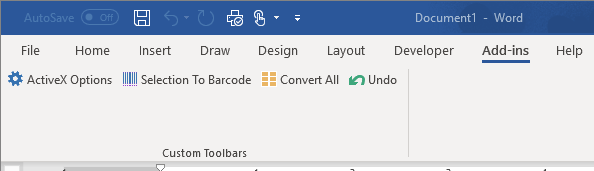
- Click ActiveX Options to view your options
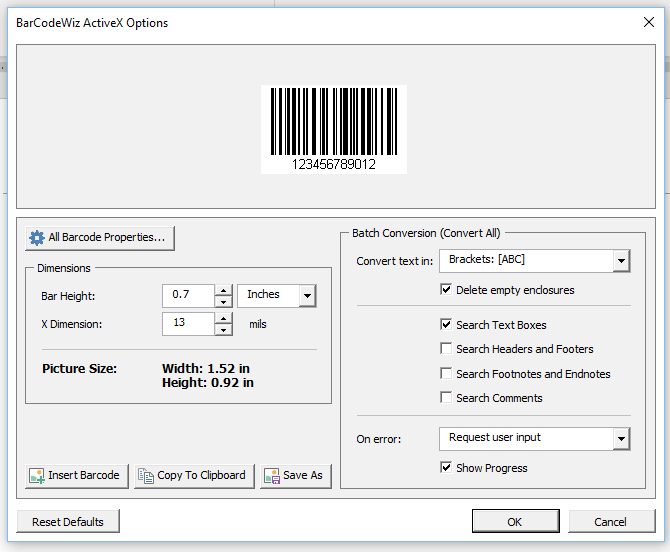
- Click on Barcode Properties for additional options.
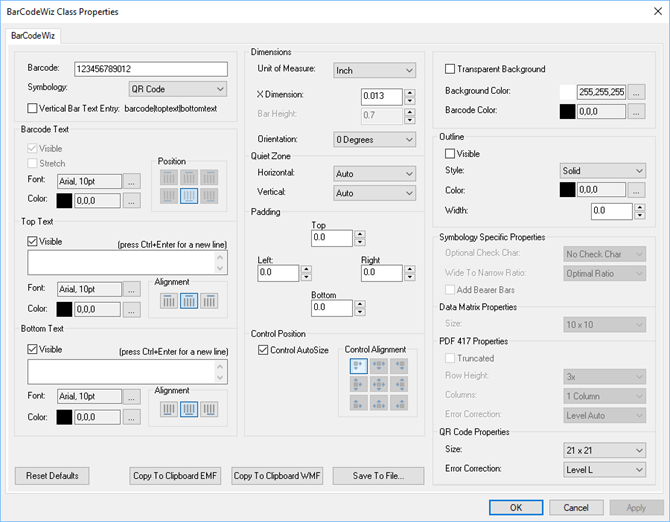
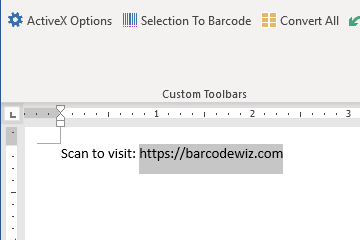
- To create a barcode simply select the text...
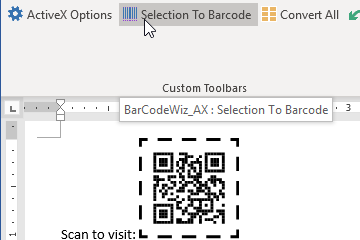
- ...and click on Selection To Barcode on your toolbar
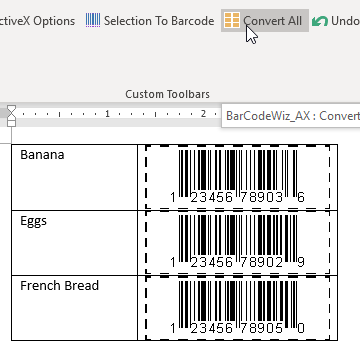
- To create multiple barcodes, enclose each piece of text within square brackets
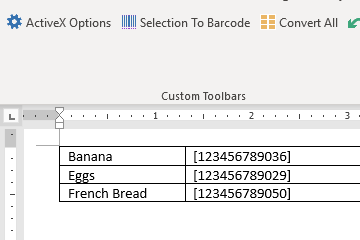
- .. and click on Convert All.
- The barcodes created with BarCodeWiz Toolbar are stored in your documents as images. This means that anyone may view the document without BarCodeWiz installed on their machine.